

From a question to the classical source
Humanitext Antiqua
Ask questions about Greek and Roman literature in your own words. Each response points back to the passages on which it is based, so conversation leads naturally into reading and verification.
What you can do
- Search across Greek and Latin classics in everyday language
- Open the primary-source passage behind any cited claim
- Set a precise scope by genre, author, and work
- Keep local conversation threads and export them as Markdown or JSON
How it works—and how to use it well
Let a question lead you back to the text
Humanitext Antiqua is a conversational research tool for ancient Greek and Roman literature. You can ask, for example, whether memory in Plato is more than the preservation of knowledge, or compare passages in which Latin authors write about exile—without first turning the question into a formal search query.
The answer is not meant to be the end of the inquiry. Antiqua cites the passages it used; selecting a citation opens the original text beside an English translation. For works already published in Humanitext Reader, you can continue into the surrounding text and inspect its vocabulary. The AI serves as a guide to passages you may not yet have found, not as a substitute for reading them.
A few good places to begin
- “How does Aristotle distinguish different kinds of friendship?”
- “Compare passages that present sea travel as a source of fear.”
- “Find material in Cicero that could be used to question Stoic determinism.”
Suggested follow-up questions appear beneath each answer, so you do not need to formulate the perfect query at the outset. Read a promising passage, refine the question, and let the scope of the inquiry emerge through use.
Shape both the corpus and the response
Limit a search by genre, author, or work, and exclude material that would distract from the question. This makes it possible to move between exploratory browsing and a deliberately bounded, repeatable inquiry.
You can also choose how Antiqua should respond: concise Q&A, study, research, dialogue, or your own instructions. A no-context mode is available for general conversation, but source-grounded modes are the better starting point for research. The corpus view records the editions and citation conventions used for the indexed works.
Take the inquiry with you
Conversation threads are stored locally in your browser. You can stop a response, regenerate it, continue a line of questioning over time, and export useful threads as Markdown or JSON. The interface is available in English, Japanese, Chinese, and Korean.
As with any AI-assisted research environment, an answer may flatten a difficult context or favour one interpretation. Read the cited passage and its surroundings, then return to critical editions and scholarship where the argument requires it. That act of verification is part of the method, not an afterthought.
Other apps

From a question to Japanese literature
Humanitext Aozora
Explore more than 17,000 works from Aozora Bunko through conversation. Answers cite the works and link back to the original text, supporting both discoveries across authors and close inquiry within a single book.

From paper sources to researchable data
Humanitext OCR
Turn images and PDFs into usable text with AI that takes the document’s context into account. Process many PDFs at once, proofread line by line, and produce searchable PDFs in one continuous workflow.

The ancient world through place and time
Humanitext GEO
Humanitext GEO is an interactive visualization that maps the lives, places, and works of ancient Greek and Roman authors across time and space. Combining a timeline with a geographic map powered by ancient world cartography, it lets you explore where classical authors lived, worked, and traveled throughout the Mediterranean. Its Explore feature uses Retrieval-Augmented Generation (RAG) to answer questions about ancient cities, drawing on passages written by authors who were active in that era — grounded in primary sources from Greek and Latin literature.
Read the classics beside the original
Humanitext Reader
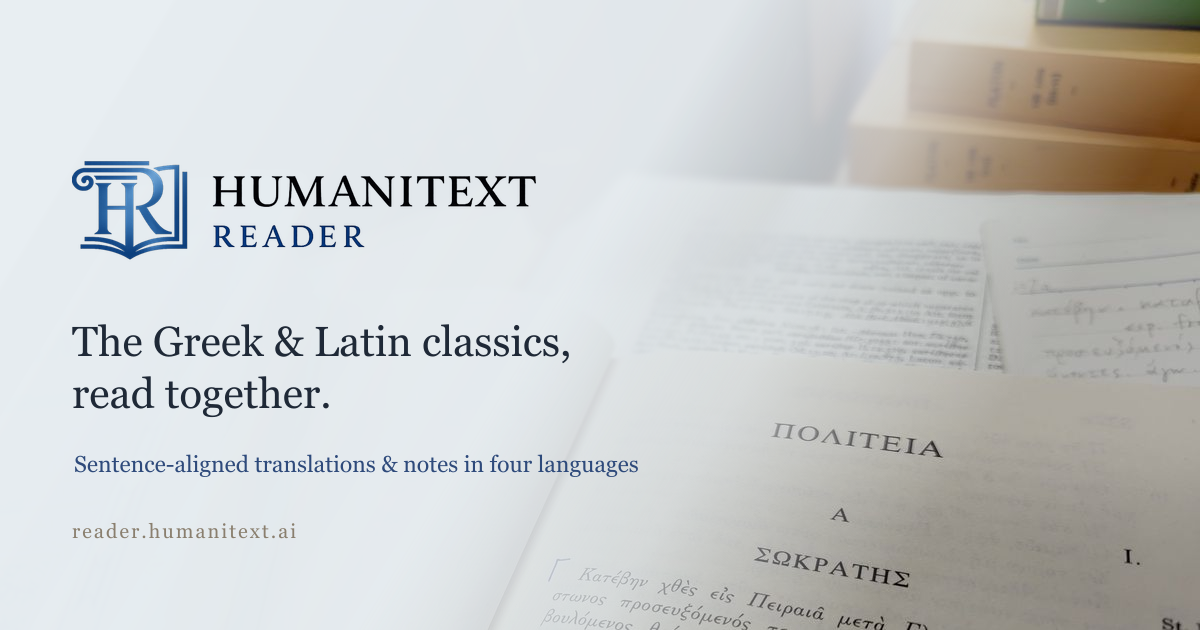
Read Greek and Latin classics sentence by sentence, with the original beside translations in English, Japanese, Chinese, and Korean. Dictionaries and grammatical notes support the reading, while reader feedback steadily improves the library.